
FORMAT
Crop exactly what matters.
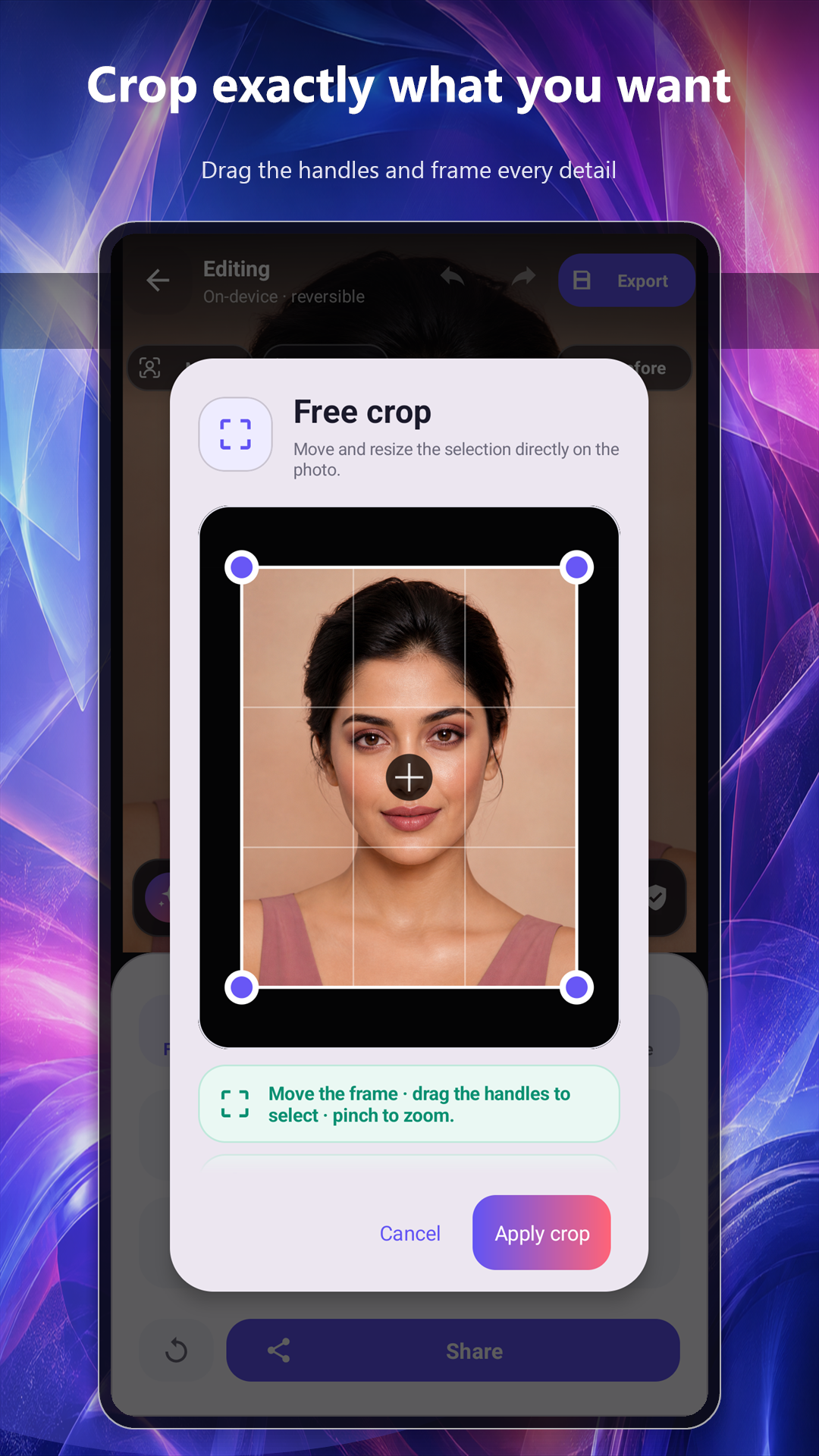
Move and resize the frame directly on the photo, straighten horizons, correct perspective, rotate, flip or add a social canvas.
1:14:59:1616:9
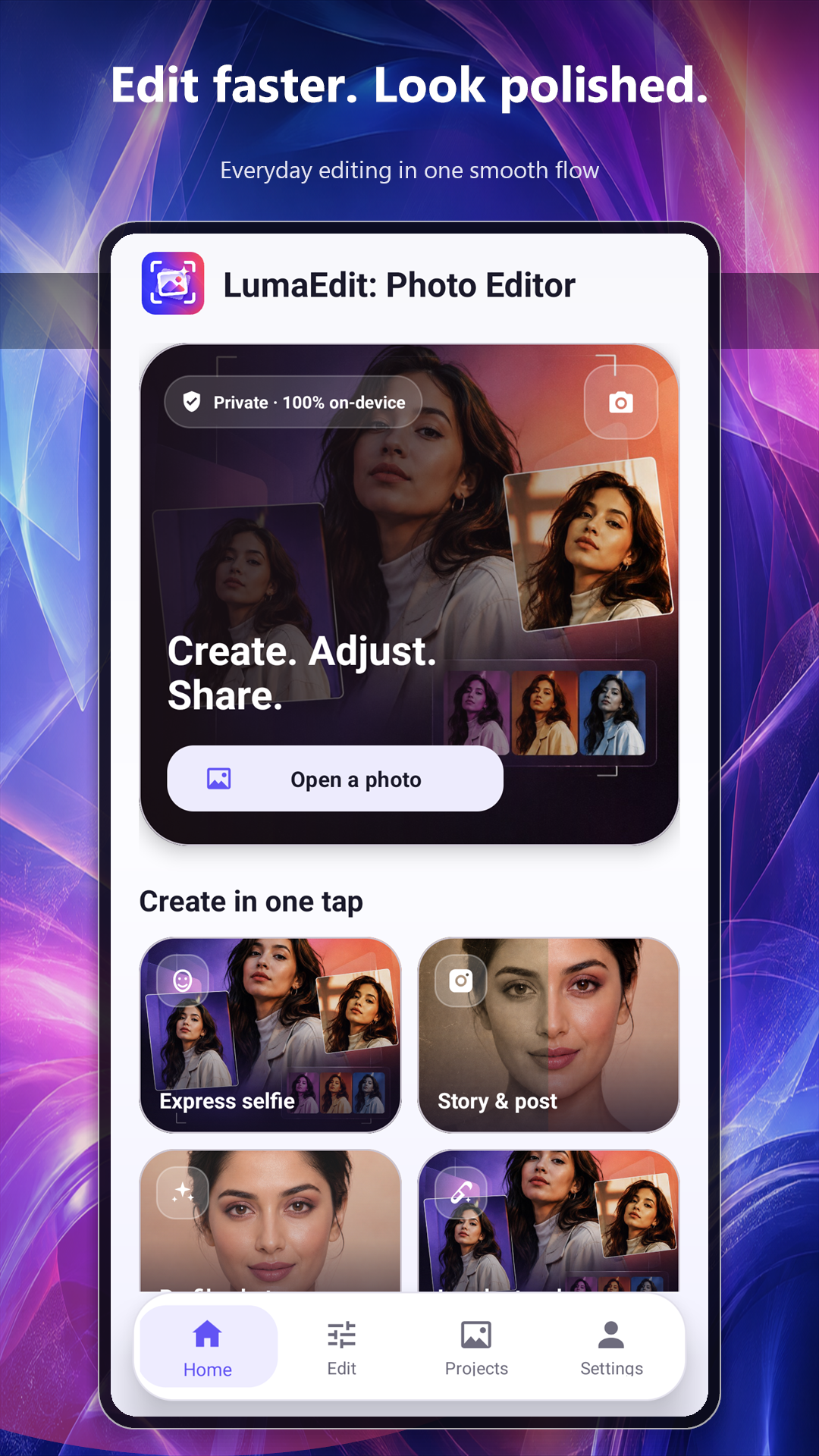
Private by design · 100% on-device
Crop with precision, retouch portraits, tune light and color, add text, then export the right format for posts, stories and reels.
A complete editor, kept simple
LumaEdit combines quick presets with precise controls, so a fast touch-up never turns into a complicated project.
FORMAT
Move and resize the frame directly on the photo, straighten horizons, correct perspective, rotate, flip or add a social canvas.
BEAUTY
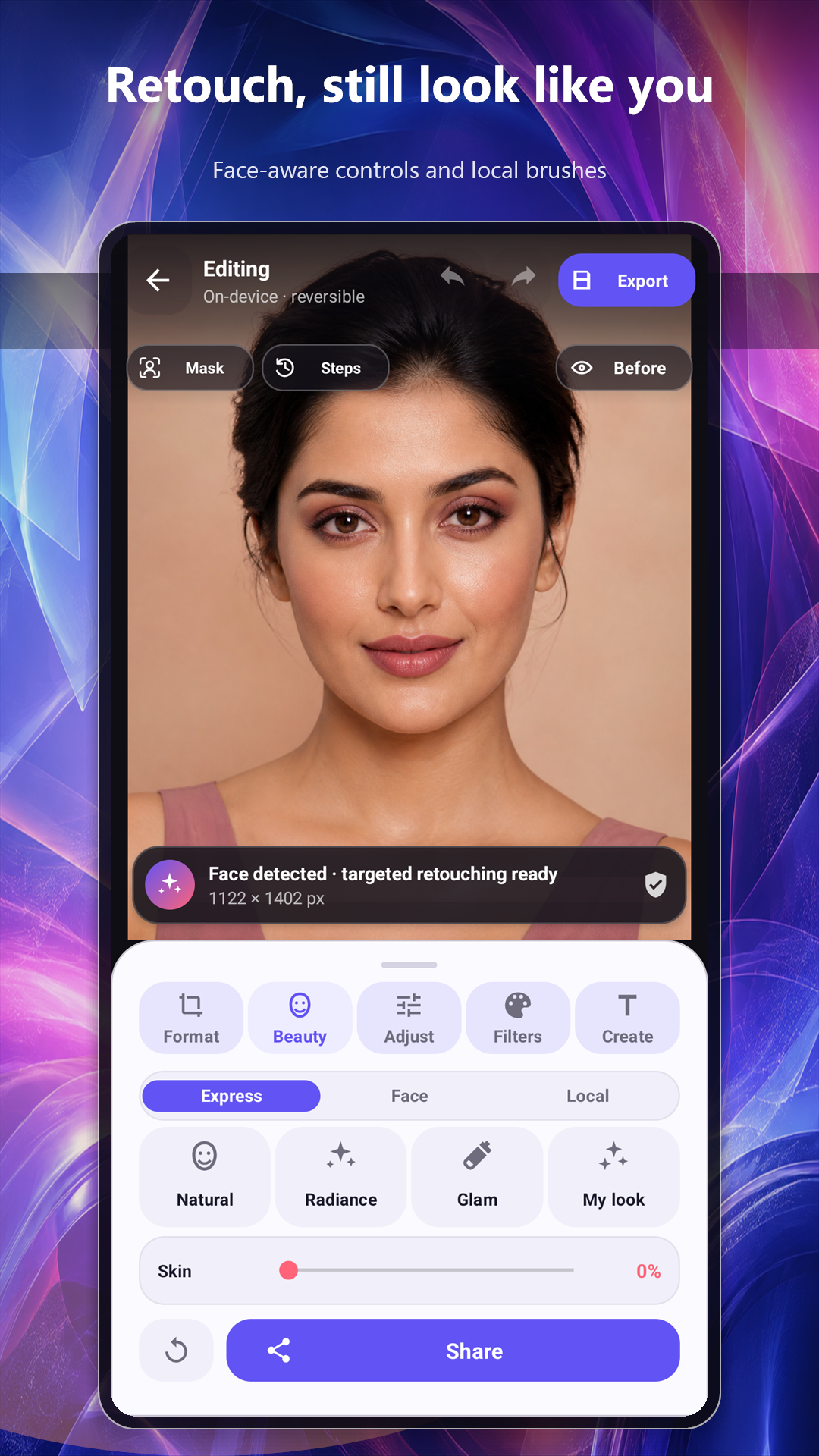
Natural, Radiance and Glam looks plus skin, blemish, eye, smile, glow, blush, lips and local brush controls.
ADJUST
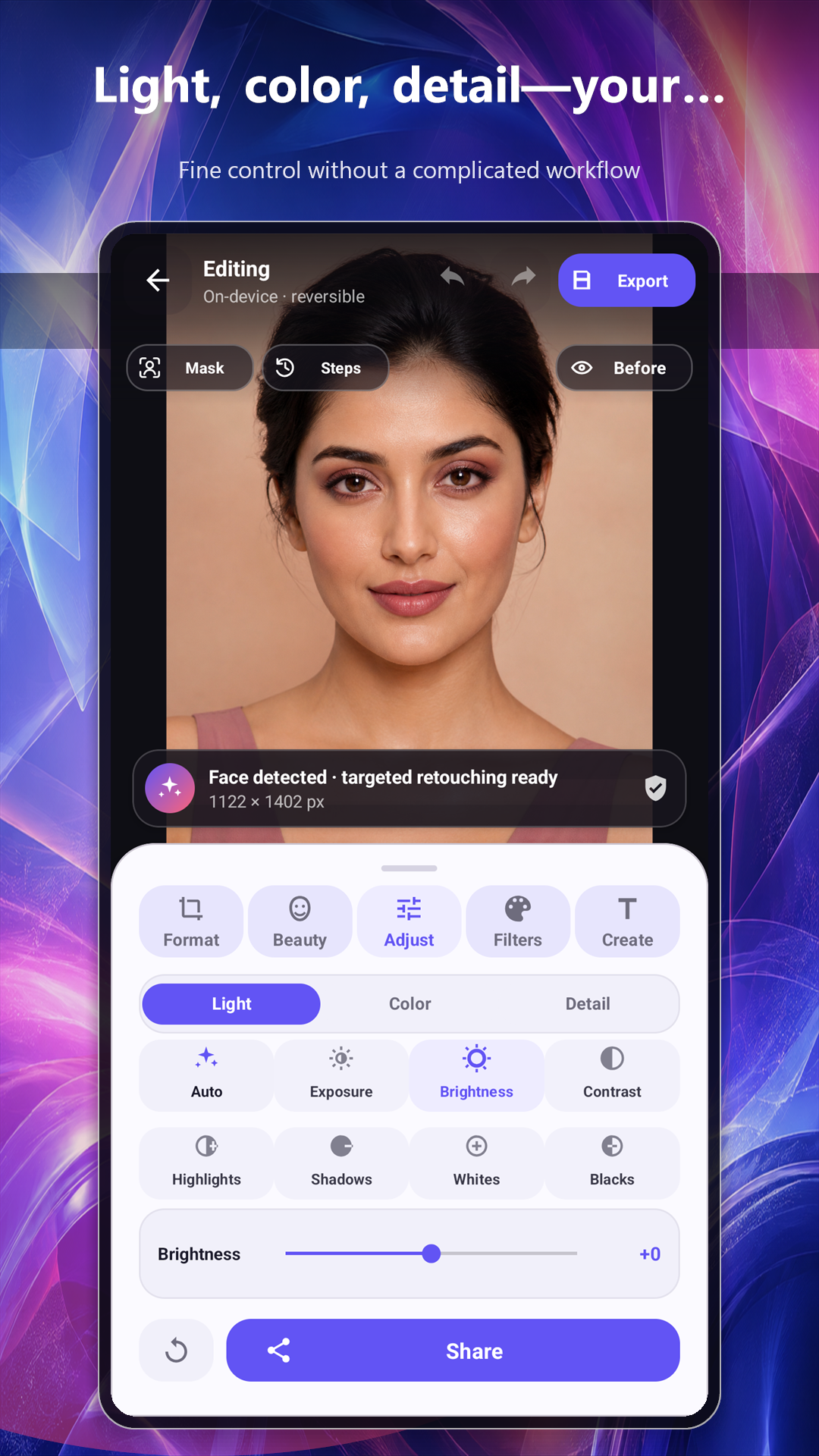
Control exposure, highlights, shadows, temperature, vibrance, clarity, denoise, dehaze, grain and more.
FILTERS
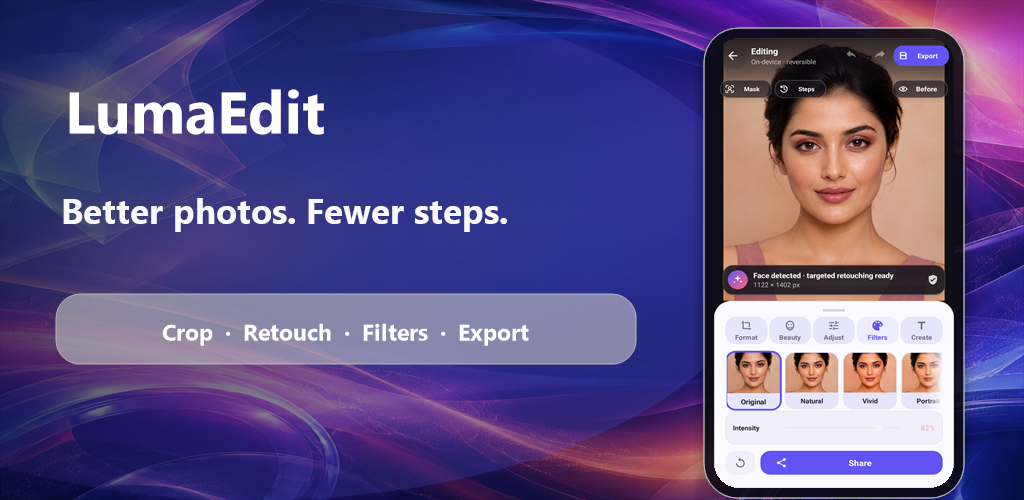
Preview modern styles instantly and fine-tune filter strength instead of accepting an all-or-nothing effect.
CREATE
Add movable text with typography, color, size, alignment, opacity, outline, shadow and rotation controls.
EXPORT
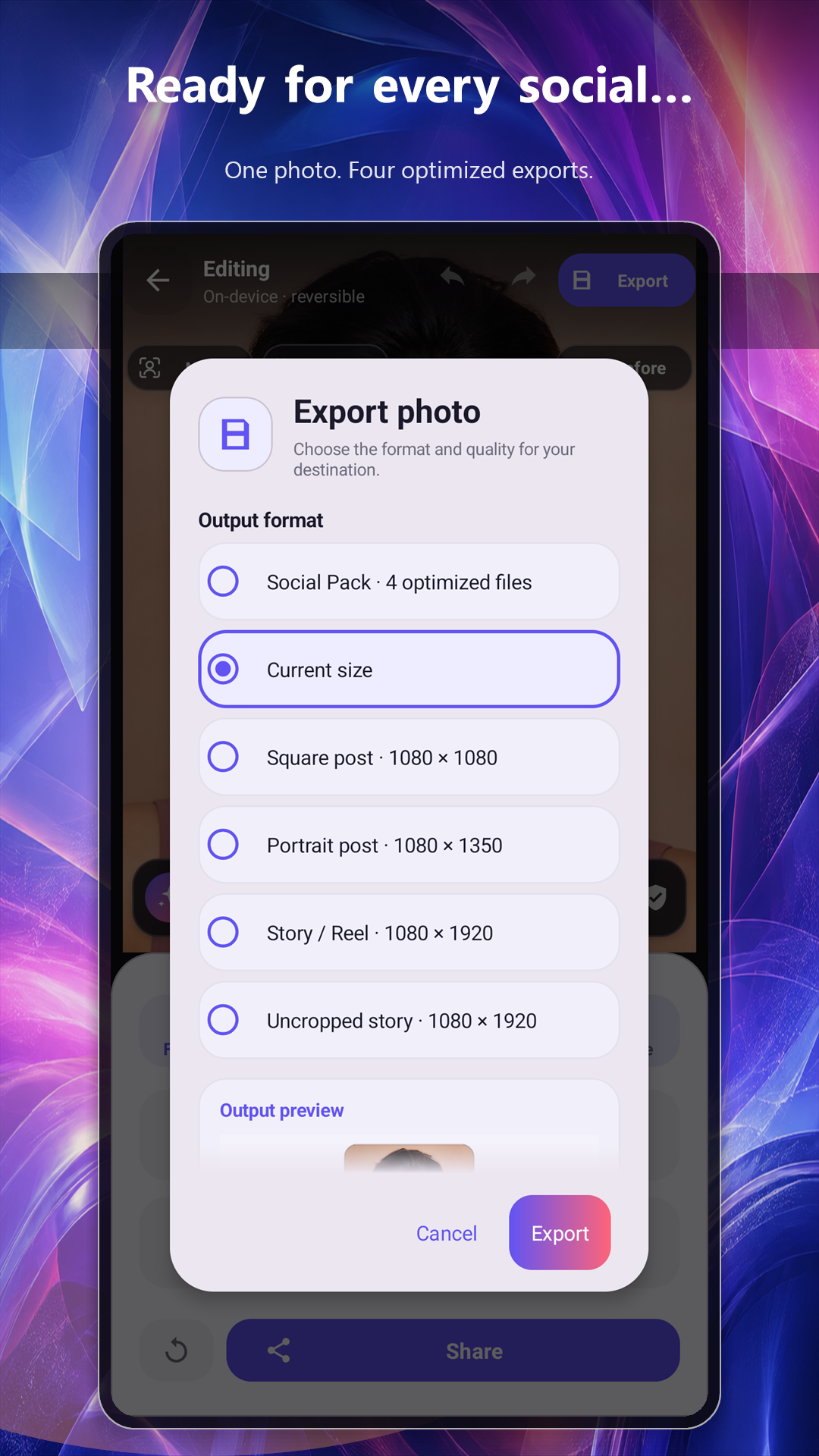
Export at current size or create 1080 × 1080 posts, 1080 × 1350 portraits and 1080 × 1920 stories. Adjust JPEG quality or process up to 20 photos in a batch.
A shorter workflow
Every edit is reversible. Compare with the original, move through visual history and export only when the result feels right.
Choose one or more photos with Android’s picker, or take a new picture.
Start with an instant look, then refine only the controls that matter.
Choose dimensions and compression; LumaEdit creates a clean file without copied GPS or EXIF metadata.
Real Android screens
Privacy is part of the workflow
LumaEdit does not upload your photos or require an account. Advertising uses separate consent choices. Optional Firebase usage analytics and crash reports stay off until you enable them in Settings, and never receive photo or text content.
Support
Tell us your Android version, device model and what you were trying to do. Please do not attach a private photo unless it is necessary and you choose to share it.